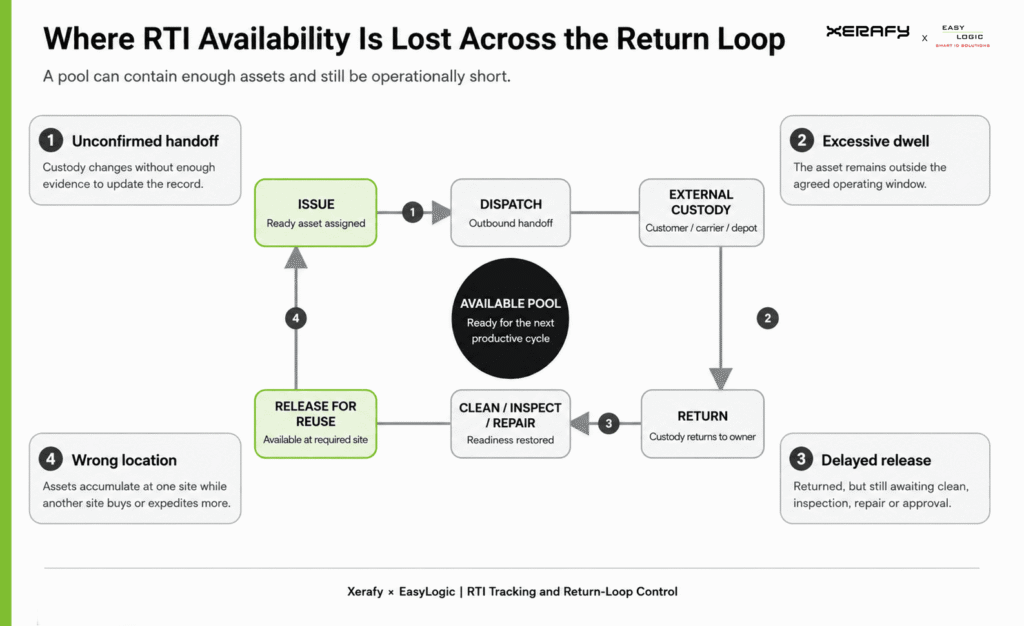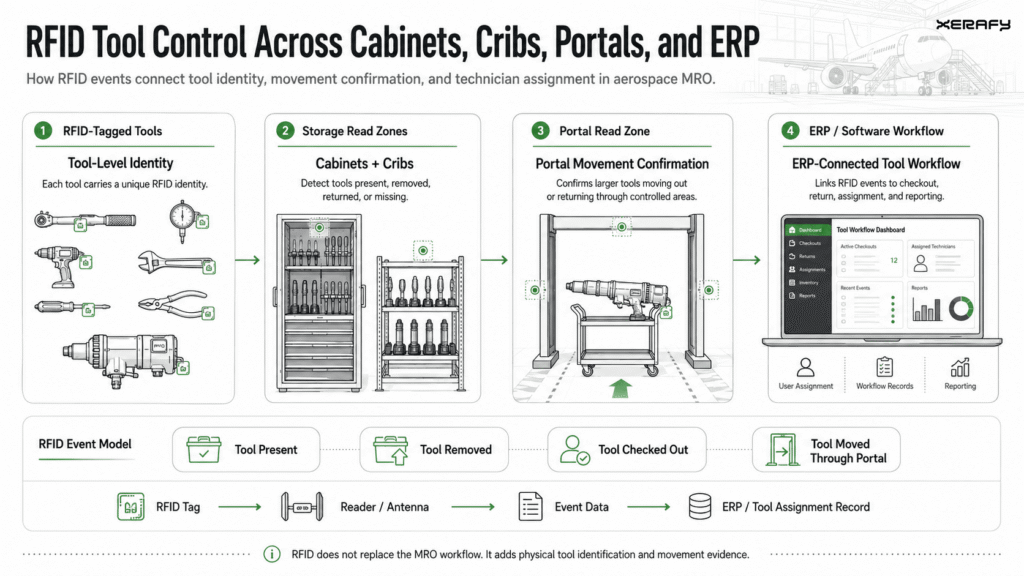
Useful automation connects equipment identification to a defined task: confirming receipt, reconciling a rack inventory or recording a movement between locations. Tags provide the identifiers, while readers and software collect the data and associate it with the relevant assets and events.
Xerafy supplies standard tags and labels, printing and encoding, with engineering support where the equipment or application requires it.
From Individual Barcode Scans to RFID Inventory
Barcodes provide a straightforward way to identify equipment at receiving, during service or when checking an individual asset. They can remain part of the identification system as RFID is introduced.
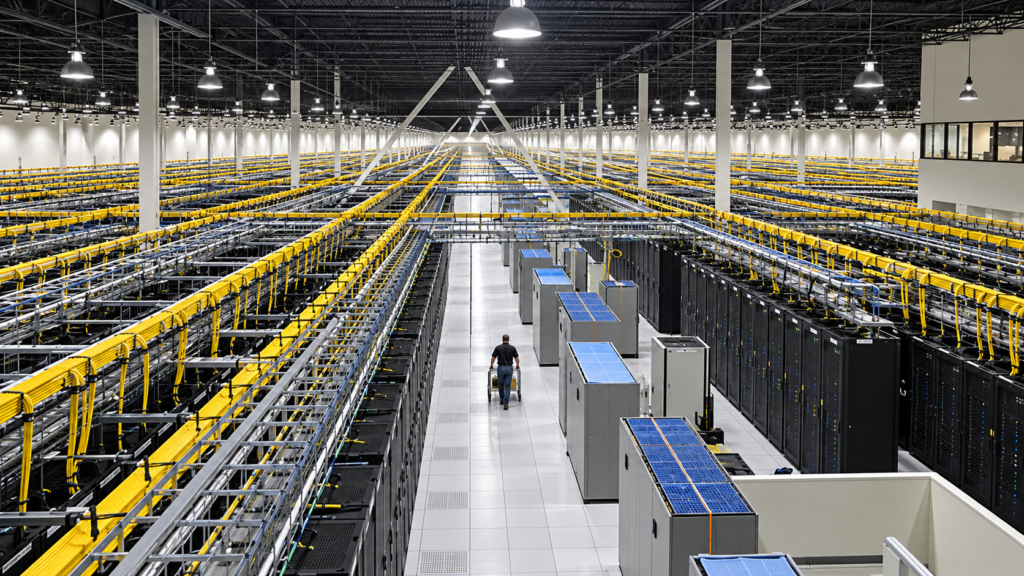
The workload changes when teams must account for equipment across populated racks. Each barcode must be located, brought into view and scanned individually. Cables, neighboring equipment and restricted access can make that process slow, particularly when inventories need to be repeated regularly.
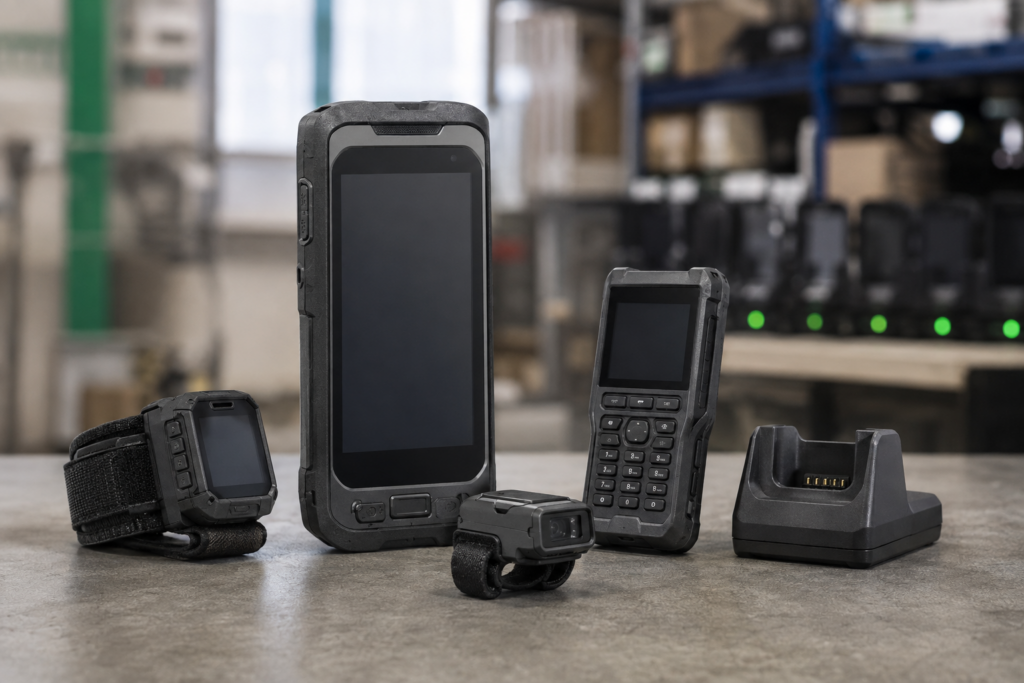
RFID allows multiple equipment identifiers to be collected without a separate line-of-sight scan of each label. A handheld reader can support rack inventories, while fixed readers can capture equipment passing defined checkpoints. Software matches the collected identifiers to asset records and highlights discrepancies.
Faster data collection allowed Intel to replace quarterly audits of a 10% asset sample with more frequent, complete inventories.
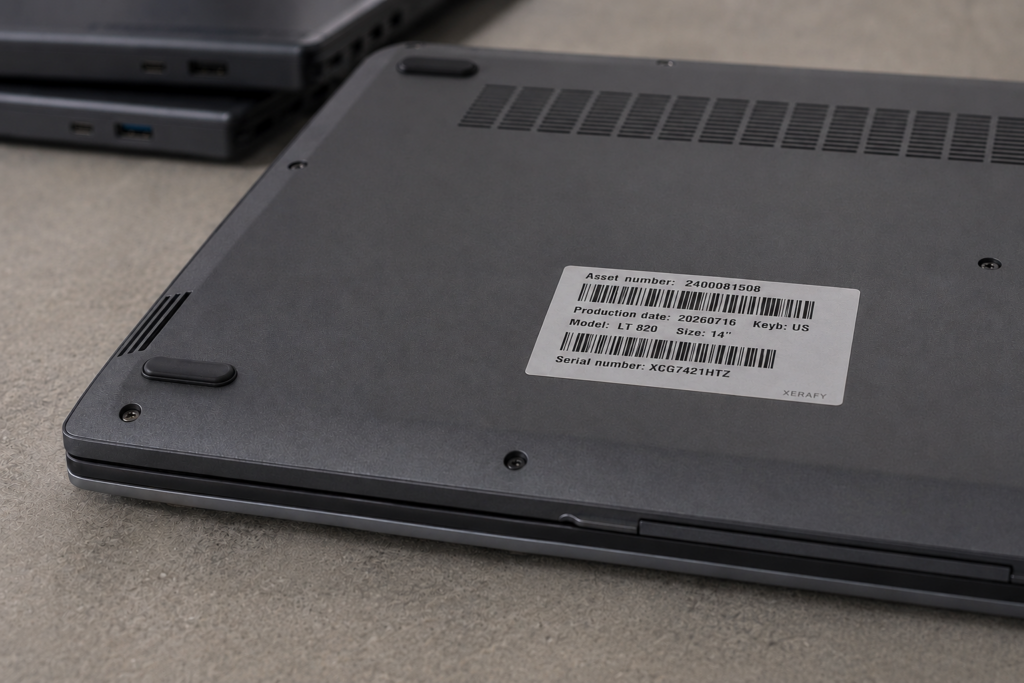
Printed RFID labels can also retain visible asset numbers and barcodes, giving staff both individual scanning and bulk RFID identification options.
RFID Workflows for Data Center Operations
Receiving and Commissioning Equipment
Read the identifiers on incoming servers, switches and storage devices, then match them to the expected delivery. Associate each RFID identifier with the equipment’s serial number or asset record. Equipment supplied with pre-applied, encoded tags reduces the tagging work required on arrival.
Rack Inventory and Audit
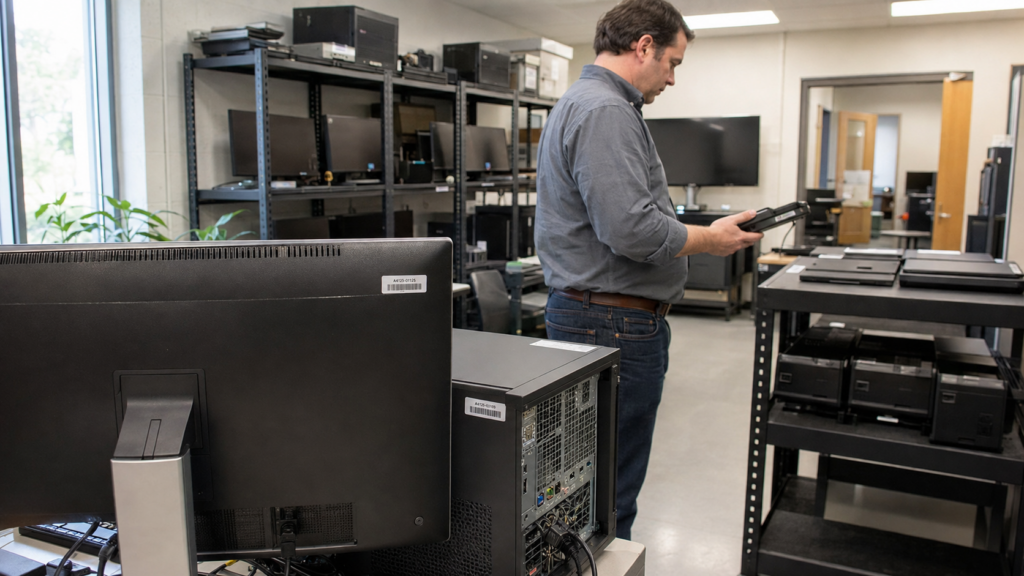
Collect equipment identifiers with a handheld reader and compare them with the assets expected in the rack or room being audited. Record that location alongside the inventory. The resulting exceptions give the inventory team a focused list of missing, unexpected or unmatched assets to investigate.
Equipment Moves and Handoffs
Use a handheld confirmation or a configured fixed-reader checkpoint to capture equipment moving between receiving, staging, storage and the data hall. Associate the identifier with the time, location and movement step so the asset application can update the record. Defined handoffs make movement history easier to follow than occasional inventory snapshots.
Returns and Retirement
Check servers, hard drives and SSDs against the approved return or retirement list before they leave operational control. Link the identified units to their return, disposal or retirement records. Where data erasure or destruction is required, retain those process records alongside the equipment identity to support reconciliation and audit.
Connecting RFID Identification to Asset Records
Tags and Labels That Fit the Equipment
Servers, blade servers, switches and storage devices need identification suited to their mounting surface, available space and handling. The tag size, placement and read coverage should support how the equipment will be inventoried or checked during movement.
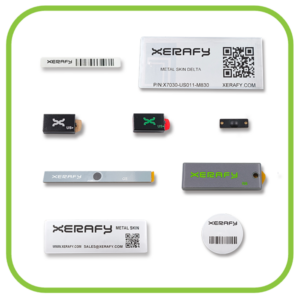
Standard Xerafy options provide practical starting points:
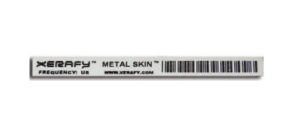
Metal Skin® labels combine RFID identification with printed asset numbers and barcodes.
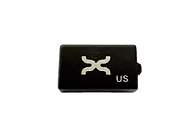
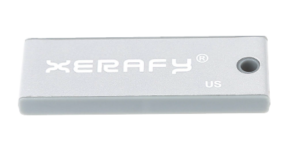
PICO tags provide compact on-metal identification where a small hard tag fits the equipment.
TRAK inventory tags offer additional formats and mounting options for metal and other surfaces.
Xerafy can supply tags and labels printed and encoded to your asset identification requirements, ready to apply during retrofit, manufacturing or staging.
Readers Matched to the Workflow
Handheld readers support scheduled rack audits, receiving checks and individual equipment identification. Fixed readers support defined checkpoints where equipment passes through a controlled reading area.
Choose the reading method around the operational task. A rack audit needs coverage of the equipment being checked; a movement checkpoint needs enough context to associate a read with the relevant handoff.
Software That Turns Reads into Useful Records
Associate each RFID identifier with the equipment’s serial number or asset record. The reader application or middleware can then filter repeated reads, attach time and location information, and pass the relevant data to the asset management system.
For inventory, compare observed equipment with the expected list. For receiving or movement, match the read to the relevant transaction. Assign unmatched identifiers and other exceptions to the team responsible for resolving them.
Xerafy supplies the tagging and identification layer. The operator and implementation partner define the reader setup, software connection and record-update rules.
Start With a Routine Data Center Workflow
A practical starting point is one asset group and a routine task, such as receiving servers or auditing a rack. Connect the collected identifiers to the records your team already uses, then extend the approach as the program grows.
Considering RFID for data center inventory or equipment tracking? Share the servers, switches or storage devices you need to identify, where reads will happen and your approximate quantities. Xerafy can recommend standard tags and labels and provide pricing, samples, and ready-to-apply printing and encoding.
For samples to try on your equipment, request the IT Assets & Data Center Test Pack.
Xerafy is a pioneer in Industrial RFID, bringing to market several innovations that enable advanced industrial identification and automation capabilities.
In addition to a complete range of field-proven RFID tags available off-the-shelf, Xerafy offers Custom RFID Tags services, covering everything from a personalization service bureau to custom-design engineering capabilities.