RFID for Tool Tracking
and MRO Operations

RFID tool tracking for cabinets, cribs, portals, and maintenance workflows, with practical guidance for tagging difficult tools, validating read zones, and preparing deployments for scale

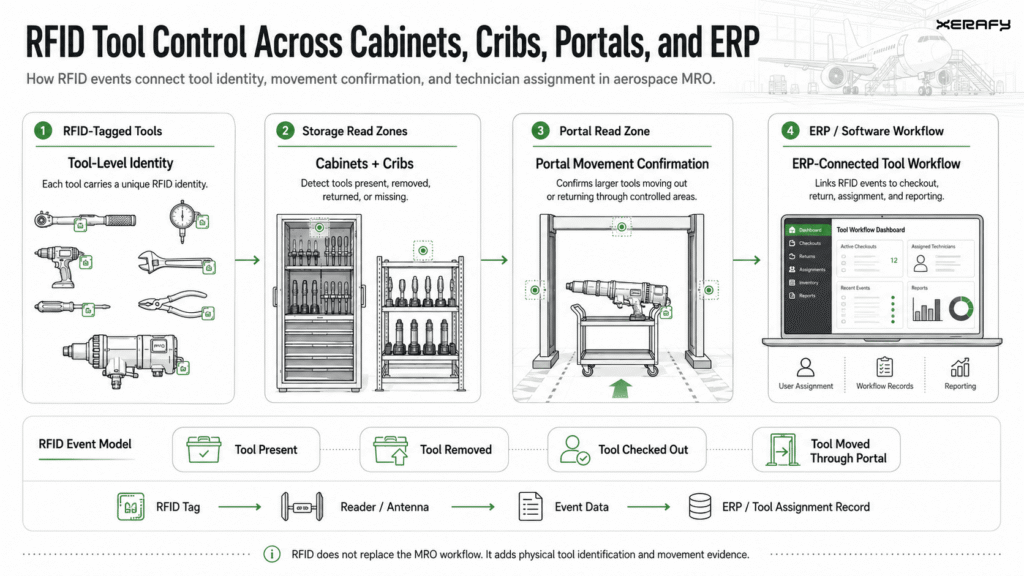
The practical challenge in RFID tool tracking is not simply identifying tools. Each asset needs a suitable tag, protected placement, a defined read point, and an operational event that the MRO or tool-management system can use.

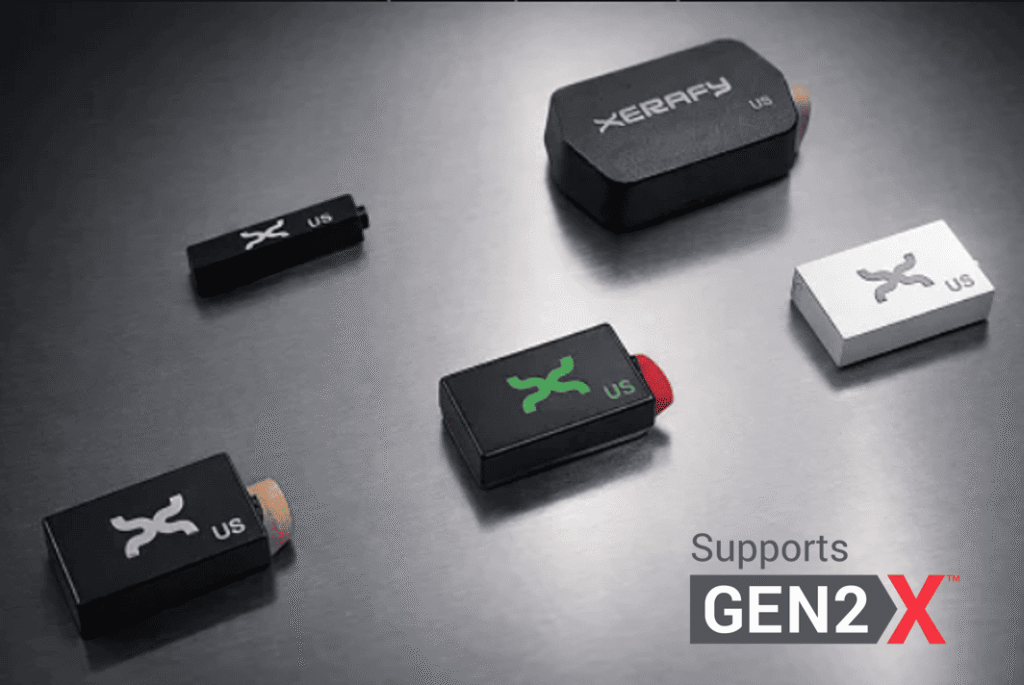
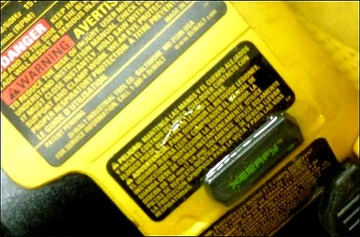
Xerafy helps engineering and MRO teams design the tagging layer for metal hand tools, sockets, gauges, kits, tooling, and other maintenance assets. This includes product-fit guidance, attachment and placement recommendations, encoding and personalization, samples, engineering review, and approved customization.

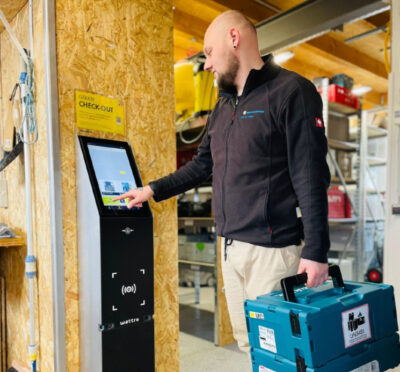
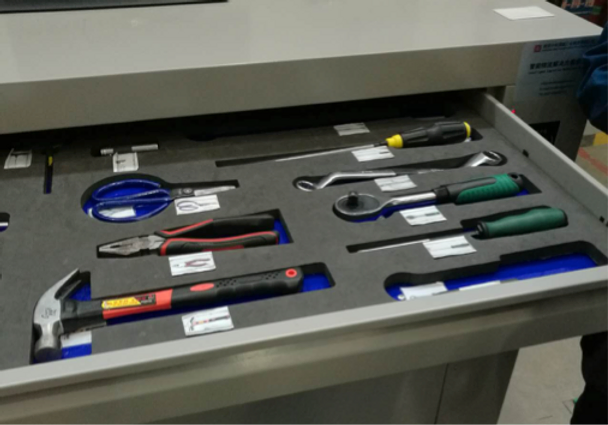
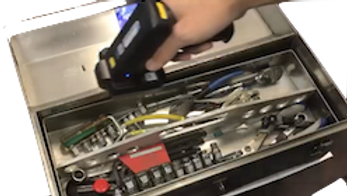
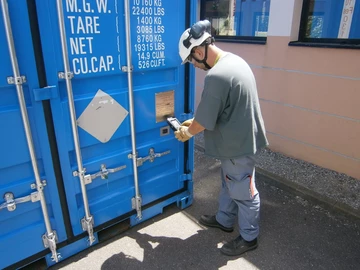
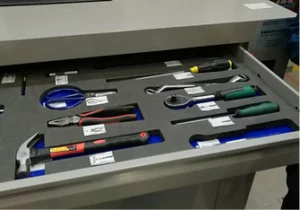
Cabinets, cribs, portals, and handheld readers can capture events such as a tool being present, removed, issued, returned, missing, or routed for inspection. Xerafy helps you select and validate the right tag, attachment, and placement for each asset so the required event can be captured in your chosen tool-management workflow.

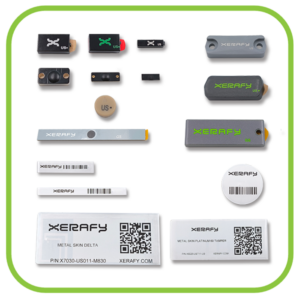
From FOD/FME-supporting tool control to tool inventory in cabinets and cribs and tooling traceability in manufacturing, the MRO Test Pack provides a practical starting point for comparing tag formats and validating placement and read performance on representative assets.

RFID Tool Tracking and MRO Case Studies

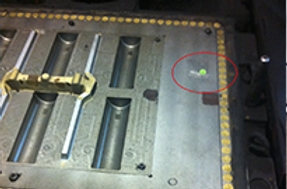
See how aerospace, rail, nuclear, mining and industrial teams use Xerafy RFID tags within tool cabinets, cribs, trolleys and portals to improve tool identification, inventory control and accountability

Operational Benefits of RFID Tool Tracking

Rectangle-57 RFID for Tool Tracking MRO Maintenance

Stronger FOD/FME Control

Support tool accountability by confirming issue and return events and identifying missing tagged tools before controlled work areas are released

Faster Inventory and Kit Checks

Read multiple tagged tools without line of sight to speed cabinet, crib, trolley and kit verification while reducing manual counting

Better Asset Visibility

Capture tool and MRO part presence or movement at defined read points and update the corresponding records in the connected system

Calibration and Inspection Control

Link each tool to its calibration and inspection record so the software can flag overdue items and apply issue restrictions where configured

Actionable Usage Data

Use captured issue, return and inventory events to identify unavailable tools, recurring losses, stock shortages and replenishment requirements

RFID Tool Tracking for MRO: Frequently Asked Questions

Which RFID tags are best suited for different types of tools?

The right RFID tag depends on the tool material, available mounting area, operating environment, storage density and required read workflow.

> Metal hand tools: PICO On is the standard starting point for compact, rugged on-metal identification.

> Small tools and restricted mounting areas: XS Dash and XS Dot provide smaller form factors for tools with very limited space.

> Sockets and tools with a suitable recess: XS Wedge or PICO In can be embedded to protect the tag from handling and impact.

> Plastic or composite tools: PICO Off is designed for off-metal performance.

> Power tools and larger equipment: PICO Plus, NANO Plus or MICRO Power provide more rugged packaging and additional read-range options.

> Tools exposed to high temperatures, chemicals or washdown: Select an appropriate MICRO or rugged PICO model based on the actual exposure cycle.

These recommendations are starting points, with support available from the Xerafy engineering team.

Candidate tags should be tested on representative tools, using the intended attachment method and reader configuration, inside a fully loaded cabinet, cart or tool crib. Final selection should balance fit, durability and consistent readability without interfering with tool use.

How can RFID track sockets and other difficult-to-tag tools?

Sockets and other small metal tools require miniature on-metal RFID tags and carefully selected placement.

With sockets and ratchets accounting for up to 30% of a typical MRO tool inventory, delivering a near 100% tool tracking coverage is critical in environments prone to FME and FOD incidents.

Frame-26 RFID for Tool Tracking MRO Maintenance
Facom RFID-Enabled Socket

The tag must remain readable without interfering with tool use, storage or inspection.

> Sockets and very small metal tools: XS Dot or XS Dash can be attached in a protected, low-contact area.

> Tools with an approved recess: XS Wedge or PICO In can be embedded to reduce exposure to impact and abrasion.

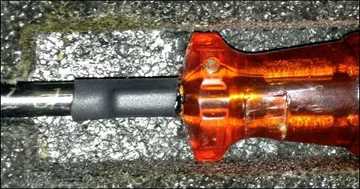
> Tools with plastic or composite handles: PICO Off can be attached away from the metal section using adhesive, epoxy or an appropriate heat-shrink solution.

> Irregular or frequently handled tools: A small rugged tag can be integrated into a purpose-built holder or attachment when direct surface mounting is unsuitable.

Machining or modifying safety-critical, calibrated or warranted tools requires approval from the tool manufacturer or responsible engineer. Each placement should be tested with the actual tool, attachment method, storage position and intended reader. This is especially important for densely packed sockets, where surrounding metal and tag orientation can affect readability.

How should RFID tags be attached and tested?

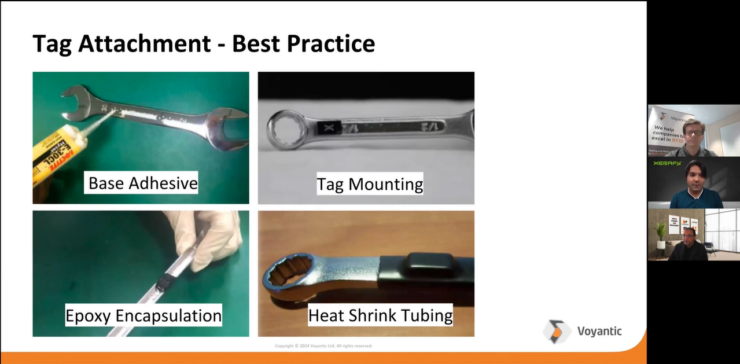
RFID tags can be attached using industrial adhesive, epoxy, heat-shrink tubing, screws, rivets or an engineered recess.

The appropriate method depends on the tool material, geometry, handling, environmental exposure and whether the tag may be removed later.

Before attachment, clean, degrease and dry the selected surface. Position the tag away from grips, moving parts, contact surfaces and areas exposed to repeated impact. Follow the specified preparation and curing requirements for the selected adhesive or epoxy. Any drilling, machining or permanent modification should be approved for safety-critical, calibrated or warranted tools.

Validate the complete tagging configuration before rollout:

  1. Test the tag on the actual tool in the intended position.
  2. Use the planned adhesive or mechanical attachment method.
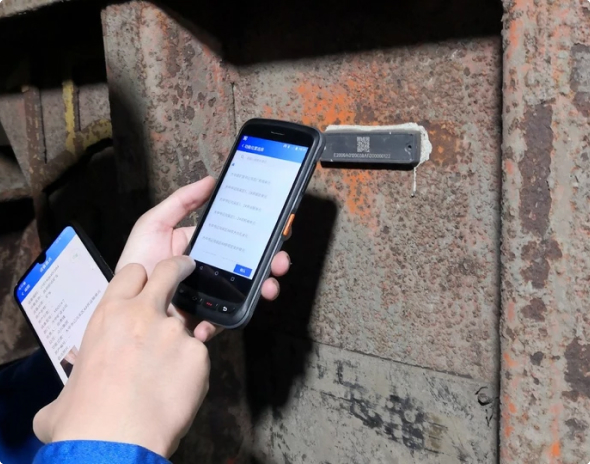
  3. Test with the intended handheld, cabinet, portal or fixed reader.
  4. Check representative orientations, distances and storage positions.
  5. Repeat the test in a fully loaded cabinet, trolley or tool crib.
  6. Confirm attachment and readability after expected impact, cleaning, chemical, temperature or washdown exposure.

Start with a representative pilot covering the most difficult tool types. Approve each tool-and-tag configuration only after it remains securely attached and consistently readable throughout the intended workflow.

How do you set up RFID tool tracking?

Start with the workflow that needs to be controlled, such as cabinet inventory, tool issue and return, tool-crib audits, kit verification or movement through a portal.

This determines where reads must occur and what action the system should take when a tool is missing, overdue or in the wrong location.

A typical implementation follows seven steps:

  1. Define the workflow and required events: Identify where tools enter, leave, return or require verification.
  2. Classify the tool population: Group tools by material, size, geometry, environment and storage method.
  3. Select tags and placements: Choose representative rugged tags and attachment methods for each tool group.
  4. Design the read points: Select handheld, kiosk, cabinet, portal or fixed-reader configurations for the required workflow.
  5. Connect each tag to the asset record: Encode a unique identifier and associate it with the tool description, owner, location, calibration status and other required records.
  6. Run a representative pilot: Test the most difficult tools, orientations and fully loaded storage conditions before rollout.
  7. Deploy with quality controls: Verify each tagged tool, document approved configurations and define how damaged, replaced or untaggable tools will be handled.

Xerafy engineers can support tag selection, placement, attachment and read-performance testing. Qualified RFID partners can provide the reader infrastructure, software and integration required for the complete workflow.

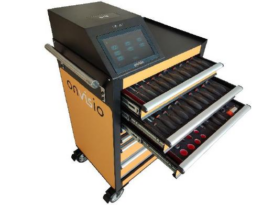
Smart-tool-crib-273x205 RFID for Tool Tracking MRO Maintenance
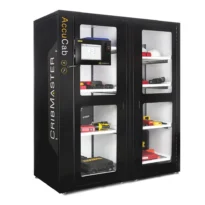
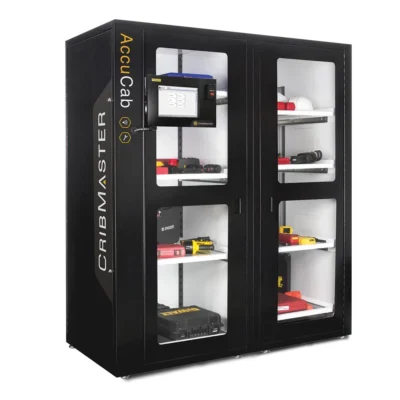
CribMaster-AccuCab-205x205 RFID for Tool Tracking MRO Maintenance

How does RFID integrate with MRO and tool-management systems?

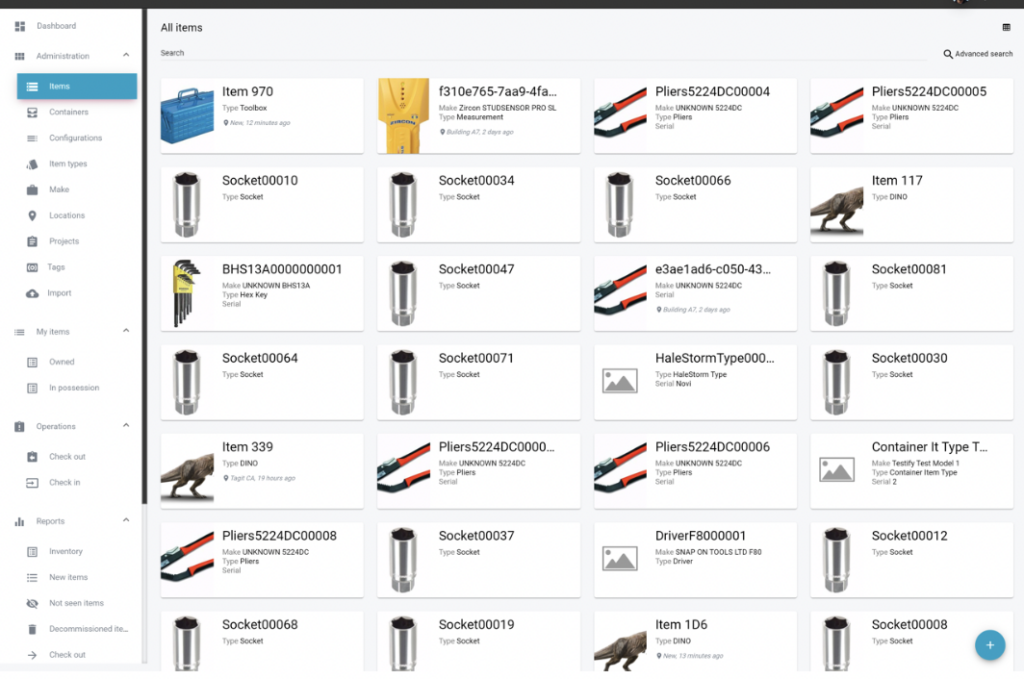
Each RFID tag carries a unique identifier that is linked to the corresponding tool record in the tool-management, CMMS, EAM or MRO system.

The detailed asset data, such as description, location, custodian, calibration status and maintenance history, normally remains in the software rather than on the tag.

When a handheld, cabinet, crib or portal reader detects the tag, the RFID application converts that read into a business event. Depending on the workflow, this may record:

> Tool issue, return or transfer

> Current custody or last confirmed location

> Cabinet, crib or kit inventory

> Missing, overdue or unauthorized tools

> Calibration or inspection status

The RFID software can exchange these events with existing systems through an API, standard connector or file exchange. The available integration method and automated actions depend on the selected software and system configuration.

Before deployment, define the system of record, tool identifier, required read events, data fields, exception rules and integration method. Xerafy engineers can support tag selection, encoding, placement and read validation, while the customer’s software provider or RFID integration partner configures the application and connection to the existing MRO environment.

What if certain tools cannot be tagged with RFID?

Some tools may not provide enough mounting space, may shield the RFID signal, or cannot be modified because of safety, calibration, warranty or operating requirements.

These tools should be treated as defined exceptions rather than fitted with an unsuitable tag.

First evaluate alternative configurations:

> Use a smaller XS or PICO tag.

> Move the tag to another approved position on the tool.

> Embed the tag in an existing or manufacturer-approved recess.

> Use an engineered carrier, heat-shrink attachment or custom mounting solution.

> Integrate the tag during tool manufacture where source tagging is possible.

If direct tagging remains unsuitable, the tool can be managed through a tagged holder, tray, case or kit, combined with barcode, visual or manual verification. This confirms the identity of the container or assigned position, not the individual tool, so the limitation should be reflected in the control procedure.

Document every exception in the tool-management system, including the alternative identification method and required verification step. Safety, function and calibration integrity take priority over achieving complete RFID coverage.

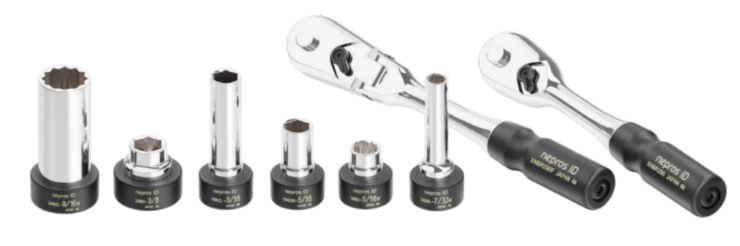
409-3-740x246 RFID for Tool Tracking MRO Maintenance
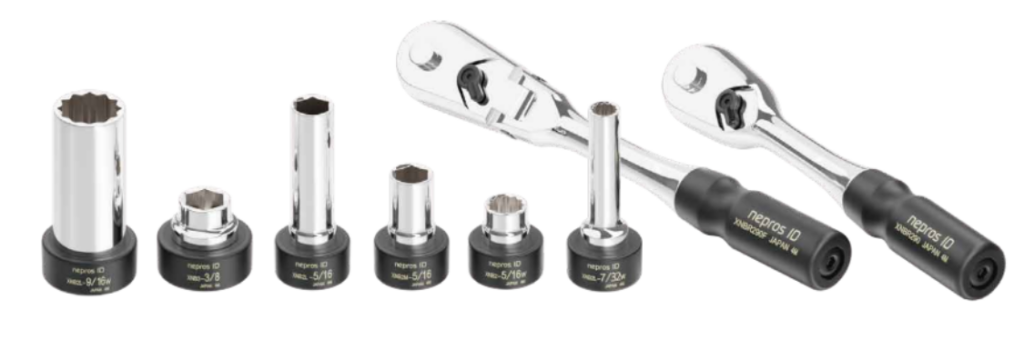
KTC's RFID-Enabled nepros ID

How does RFID support calibration and inspection?

RFID gives each tool a machine-readable identity linked to its calibration and inspection record in the tool-management, CMMS, EAM or MRO system.

The tag identifies the tool; the connected software manages due dates, status, records and workflow rules.

When a tool is read at issue, return, inventory or another control point, the system can be configured to:

> Retrieve its current calibration or inspection status.

> Alert the user when service is due or overdue.

> Prevent an out-of-status tool from being issued.

> Route tools requiring service to the correct location.

> Record custody and movement around the service event.

> Maintain an audit trail of completed inspections and calibrations.

RFID does not measure calibration or determine whether a tool is safe to use. Inspection results, certificates and next-due dates must be entered or received from the authorized process. RFID makes the correct tool record easier to retrieve and helps apply those controls consistently at the point of use.